Food, without the fuss.
Start with a photo estimate, adjust the portion, and save a favorite. Repeat yesterday’s breakfast without starting again.
Explore food logging →Food, protein, water, and your treatment routine. One thoughtful journal to help you keep track of your day—and make sense of your own records.
Coming to iPhone · Free journal, Premium tools
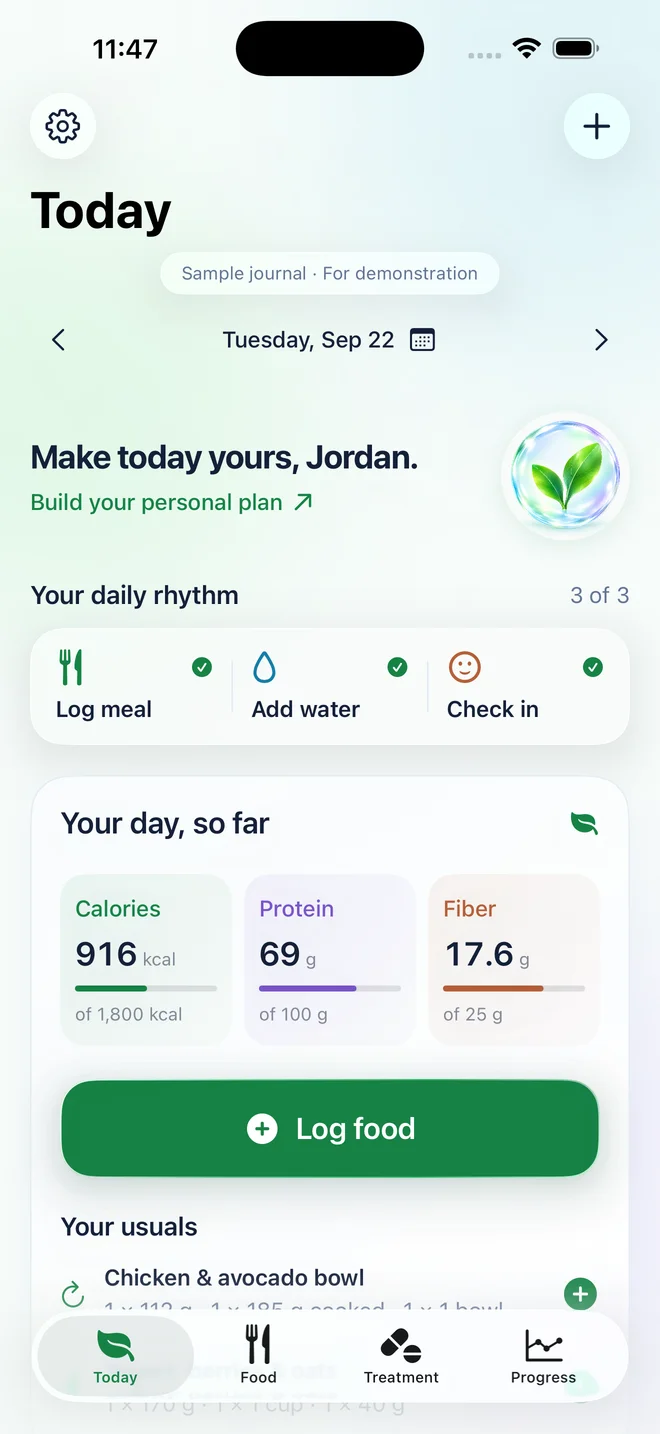
The real app. A fictional sample journal.
Log what you ate.
Keep your routine in view.
Notice your own patterns.
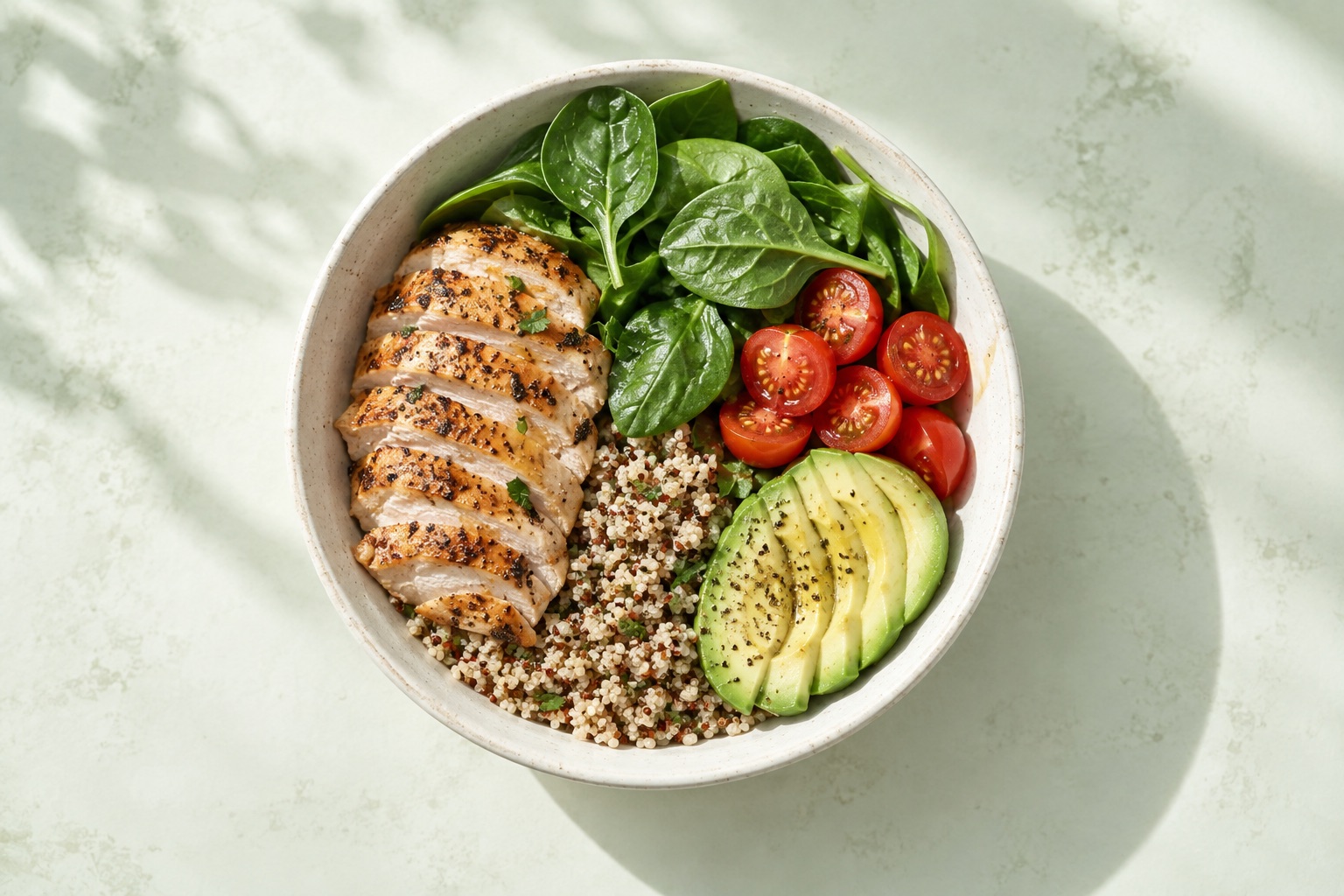 Example meal
Illustrative estimate. Nothing is logged.
Take a photo for estimated calories and protein. Adjust the portion to what you ate, edit any food, and save it to your day.
Photo estimates can miss portions, oils, and sauces. Part of Nourish Premium; internet and permission for AI processing required. Entering food yourself is always free.
Explore 45 starter recipes here, then, with Nourish Premium, browse and create more in the app with the ingredients you have. Keep favorites, follow cooking steps, and review nutrition before logging.
A food idea. Your preferences. A recipe you can make again.
Finished AI recipes join the app’s growing library. Your prompt stays private.
AI creation is part of Nourish Premium and needs internet and separate permission. Daily and monthly limits apply.
A daily view shaped around your goal, with your usual meals ready to repeat.
Start with a photo estimate, adjust the portion, and save a favorite. Repeat yesterday’s breakfast without starting again.
Explore food logging →Record your prescribed plan, doses, sites, and symptoms. Set reminders that fit your own schedule.
Explore treatment tracking →Keep individual weights in view alongside a seven-day average. Save the milestones that matter to you.
Explore your progress →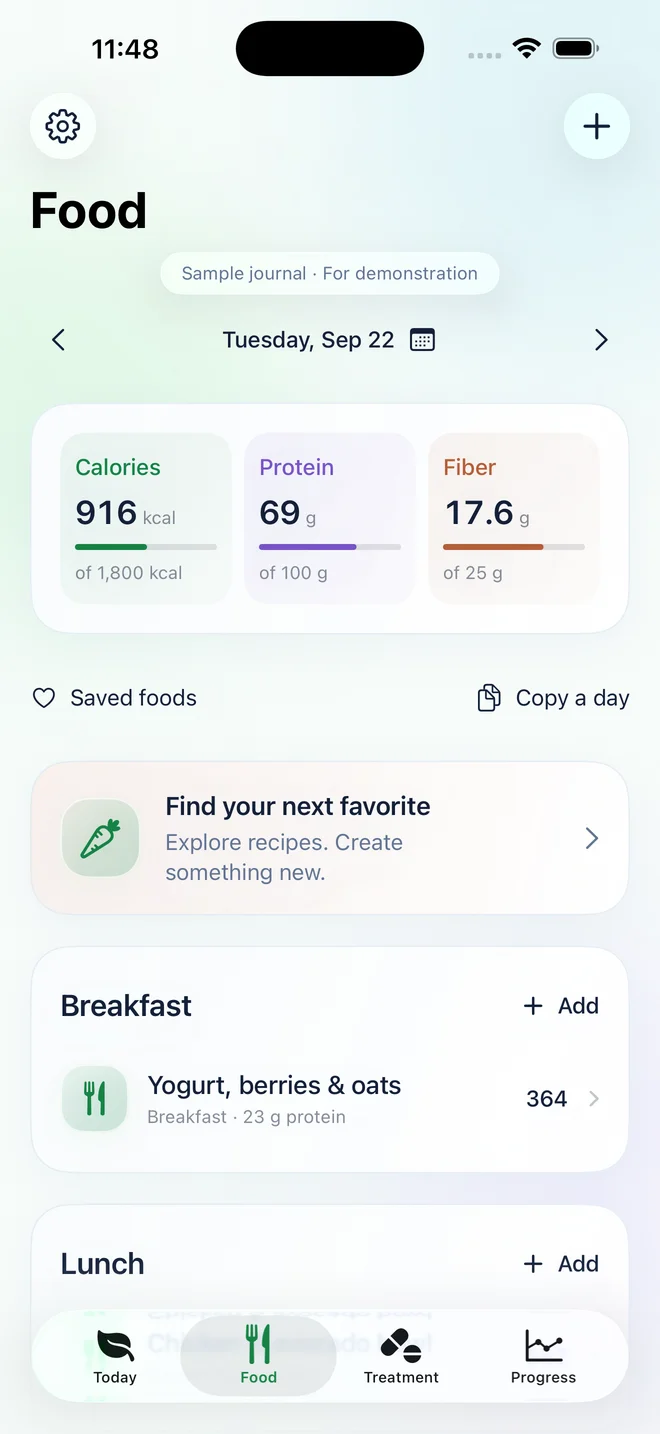
Keep your regular meals close. Change a serving, move lunch to the right day, or correct an entry without losing its context.
Your weekly review brings recorded days, protein, and hydration together. See what changed, then choose one small focus for the week ahead.
Nourish describes your records. It does not calculate drug levels, recommend doses, or explain what caused a symptom.
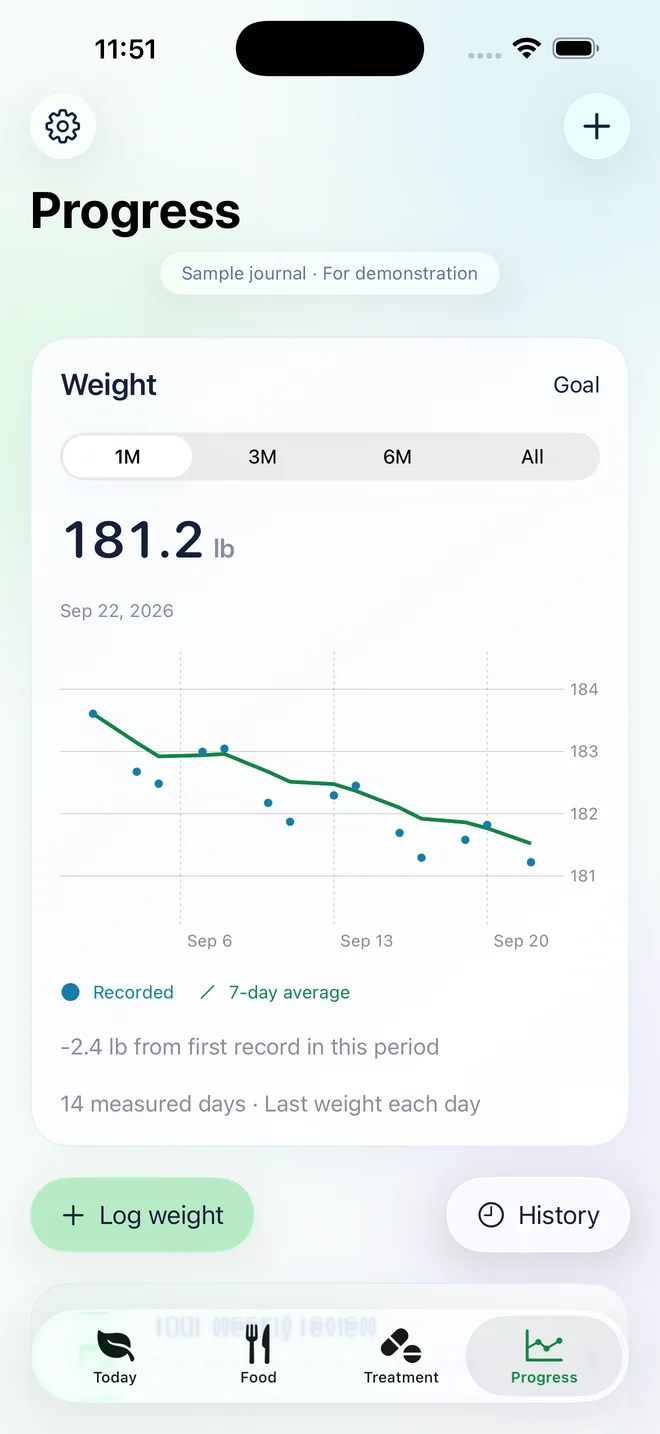
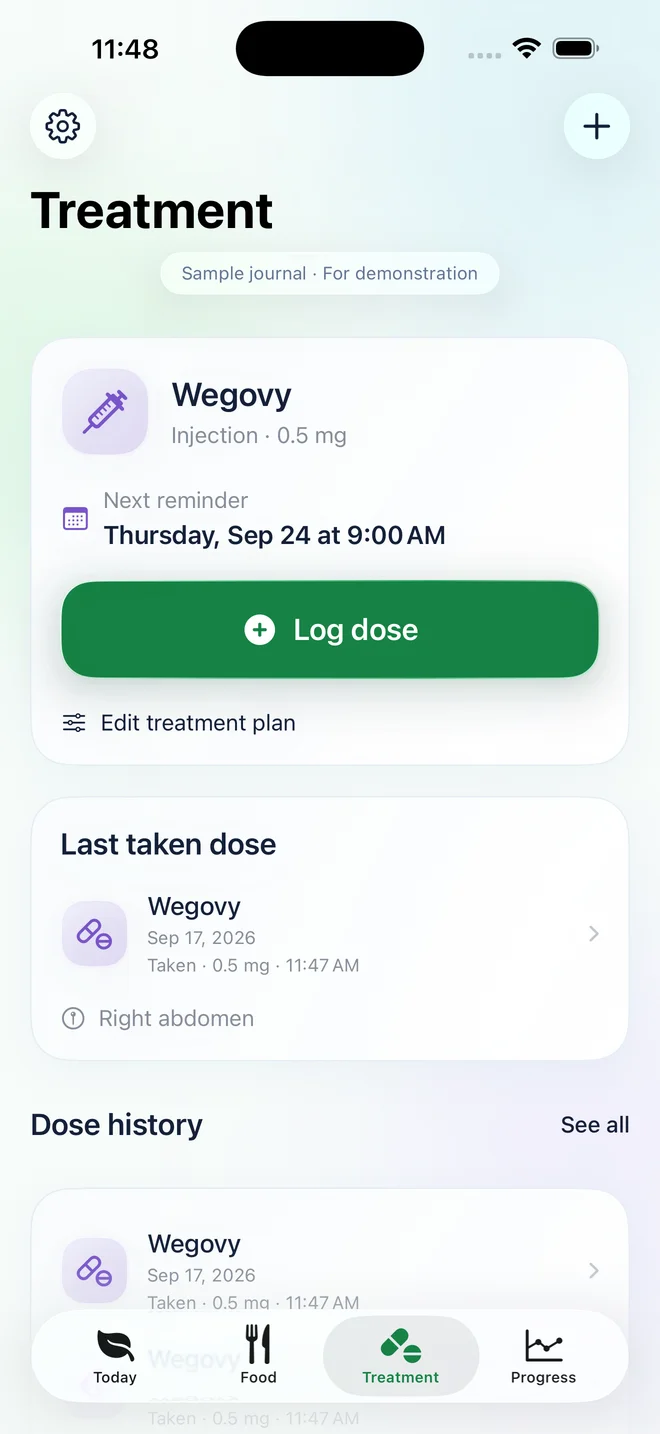
Keep the plan your clinician prescribed, the doses you record, and your observations in one place. Optional reminders follow the schedule you choose.
A personal record—not dosing guidance. Nourish does not calculate medication levels or interpret symptoms.
Your journal starts on your device. Apple Health, cloud backup, and sharing each have their own controls. There are no ads or advertising trackers in Nourish.
Keep logging manually, and read, export, and delete your records, with or without a subscription.
The food portion library, recipe library, and printable tracking sheet are available on this site. Join for a launch email when the iPhone app is ready.
No. Your journal is free: log meals from a label, water, weight, doses, symptoms, and check-ins, with Apple Health, reminders, and export. Nourish Premium adds food search and barcodes, meal-photo estimates, recipes, PDF reports, and cloud backup. Every plan includes the same Premium features. Compare plans and renewal terms.
Manual journal entries are free and work offline. Photo estimates, food search, recipe creation, and cloud backup need an internet connection. AI processing and backup each have separate permission controls.
No. Photos can miss ingredients, portions, oils, and sauces. Estimates are a starting point: review and edit them before saving.
Use the controls in the app to export or delete records. Cloud account deletion is separate from local deletion and subscription cancellation. Read our privacy policy and deletion guide for the exact steps.
Nourish is preparing for its iPhone release. Join for launch updates, or use the free food portion tools and printable journal today.